Thousands of invisible assets
Finder shows names. Not possibilities.
A folder full of metal_04_final.png and prop_118.fbx is not a library you can think with. The right asset may already be on your drive—and still be impossible to discover.
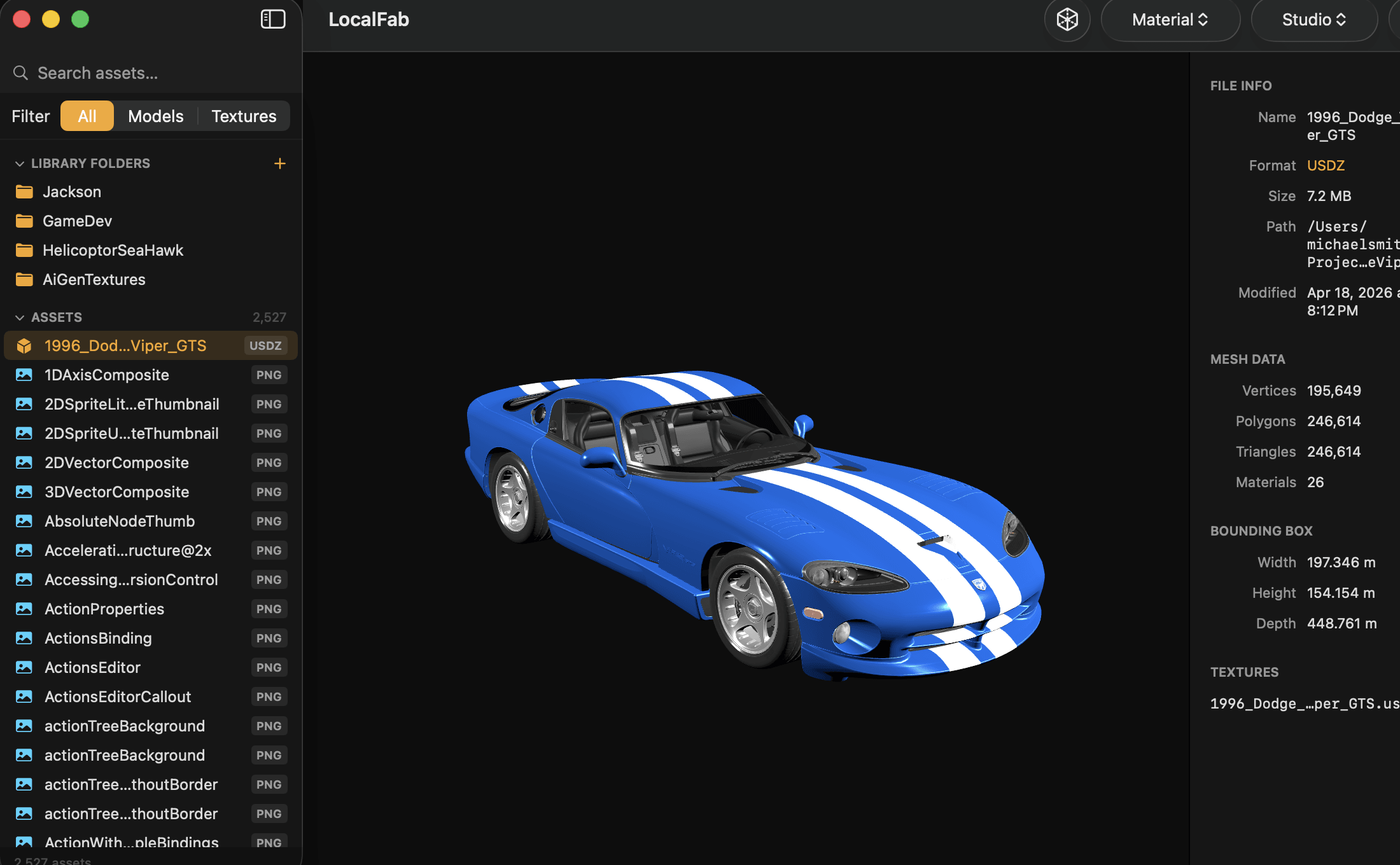
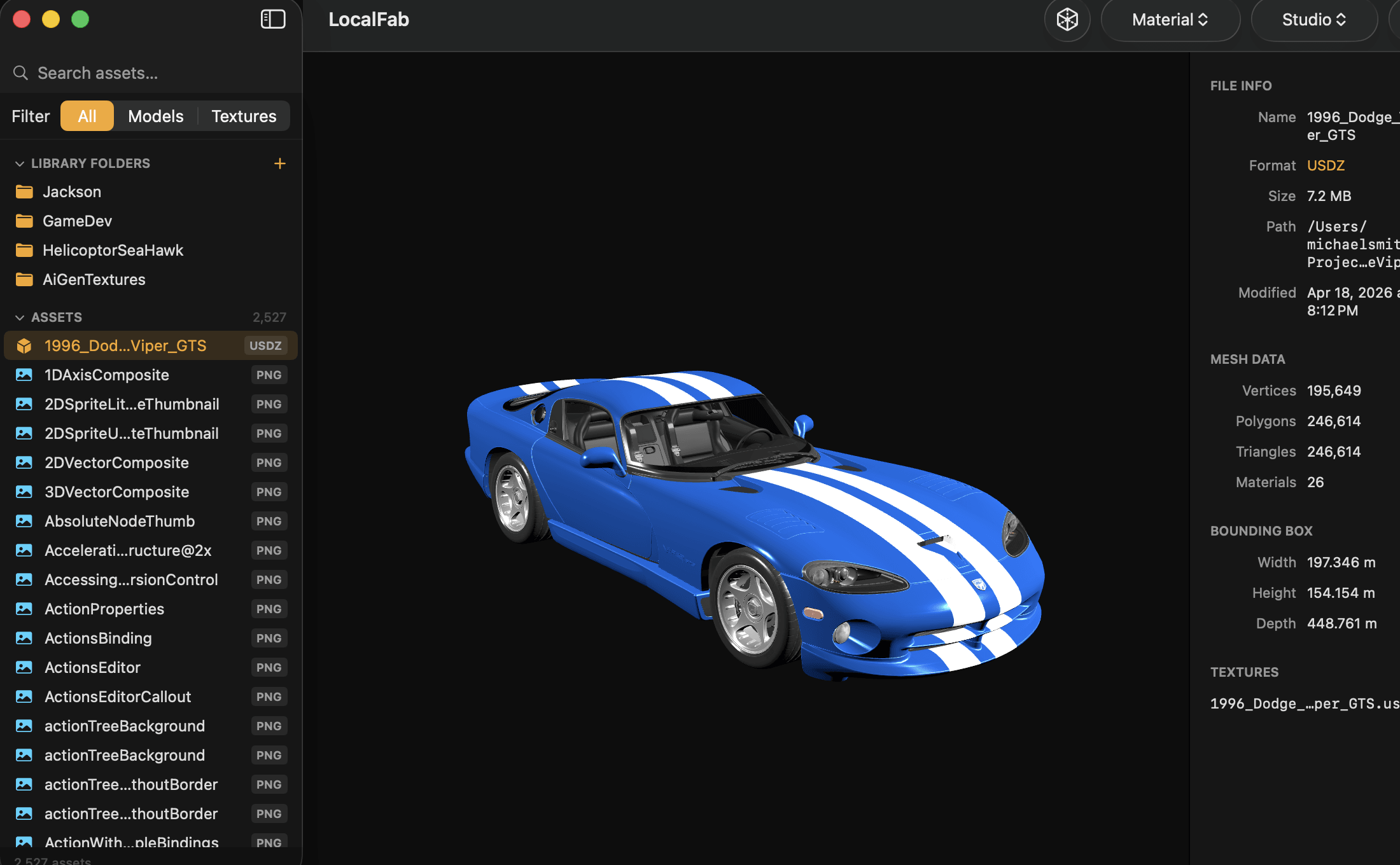
Search every model and texture on your drives, preview assets without opening Blender, and export clean scene folders to Unreal, Unity, or Blender—without uploading a single file.
The hidden workflow tax
3D creators do not need another place to store files. They need a faster way to see what they own, decide what fits, and carry it into a project intact.
A folder full of metal_04_final.png and prop_118.fbx is not a library you can think with. The right asset may already be on your drive—and still be impossible to discover.
Launching a DCC tool just to inspect one model turns a quick creative decision into a stop-and-wait loop. Repeat that across a scene and the lost time compounds fast.
Copy a model without its referenced textures and you inherit missing materials, broken paths, and a cleanup job that should never have existed.
The LocalFab workflow
Scroll through the real workflow. Each step removes a handoff, a tool launch, or a fragile file-copying task from the path to your scene.
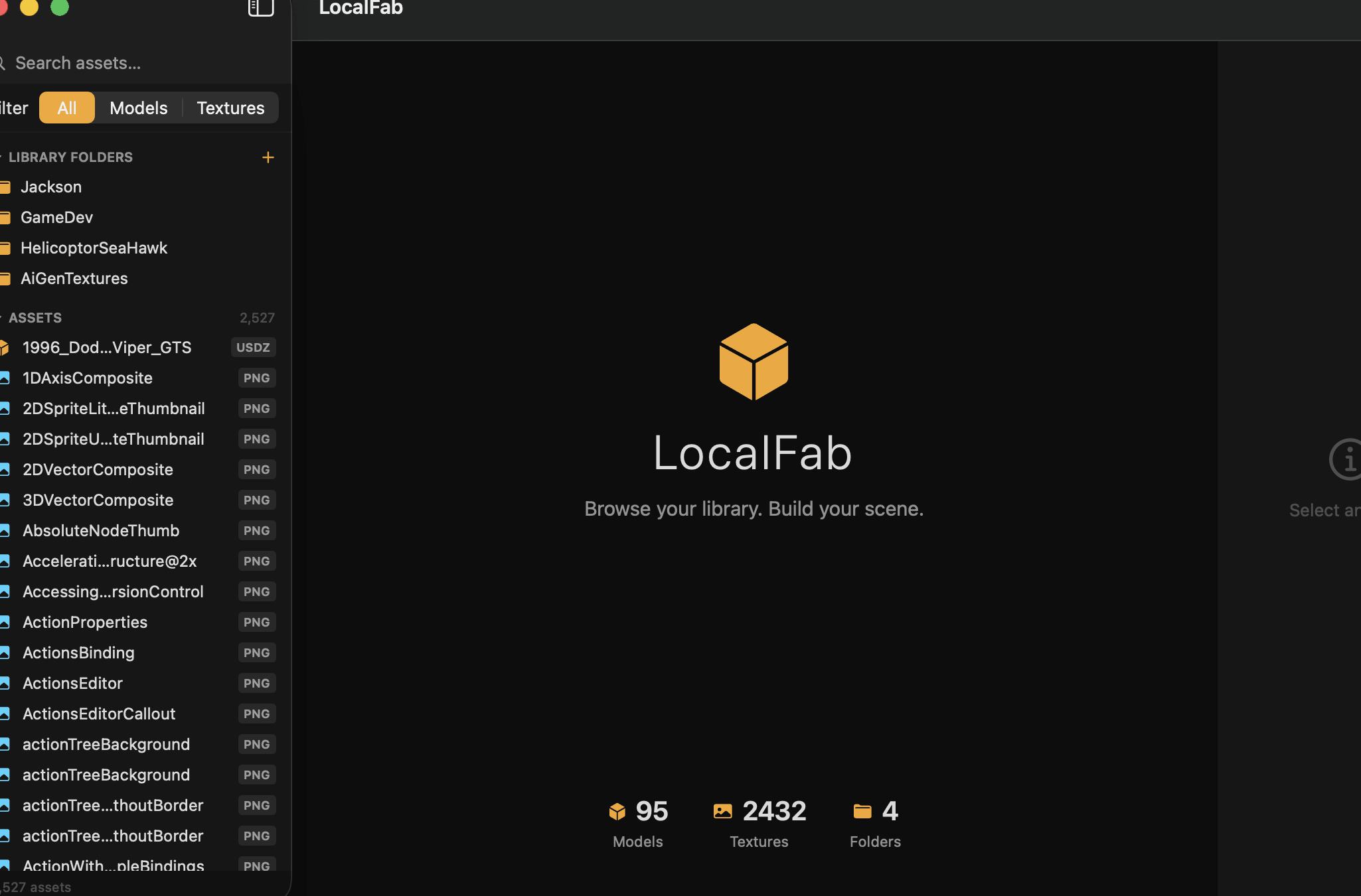
Point LocalFab at your asset folders. It recursively indexes supported models and textures into a fast local database while every source file stays exactly where it is.
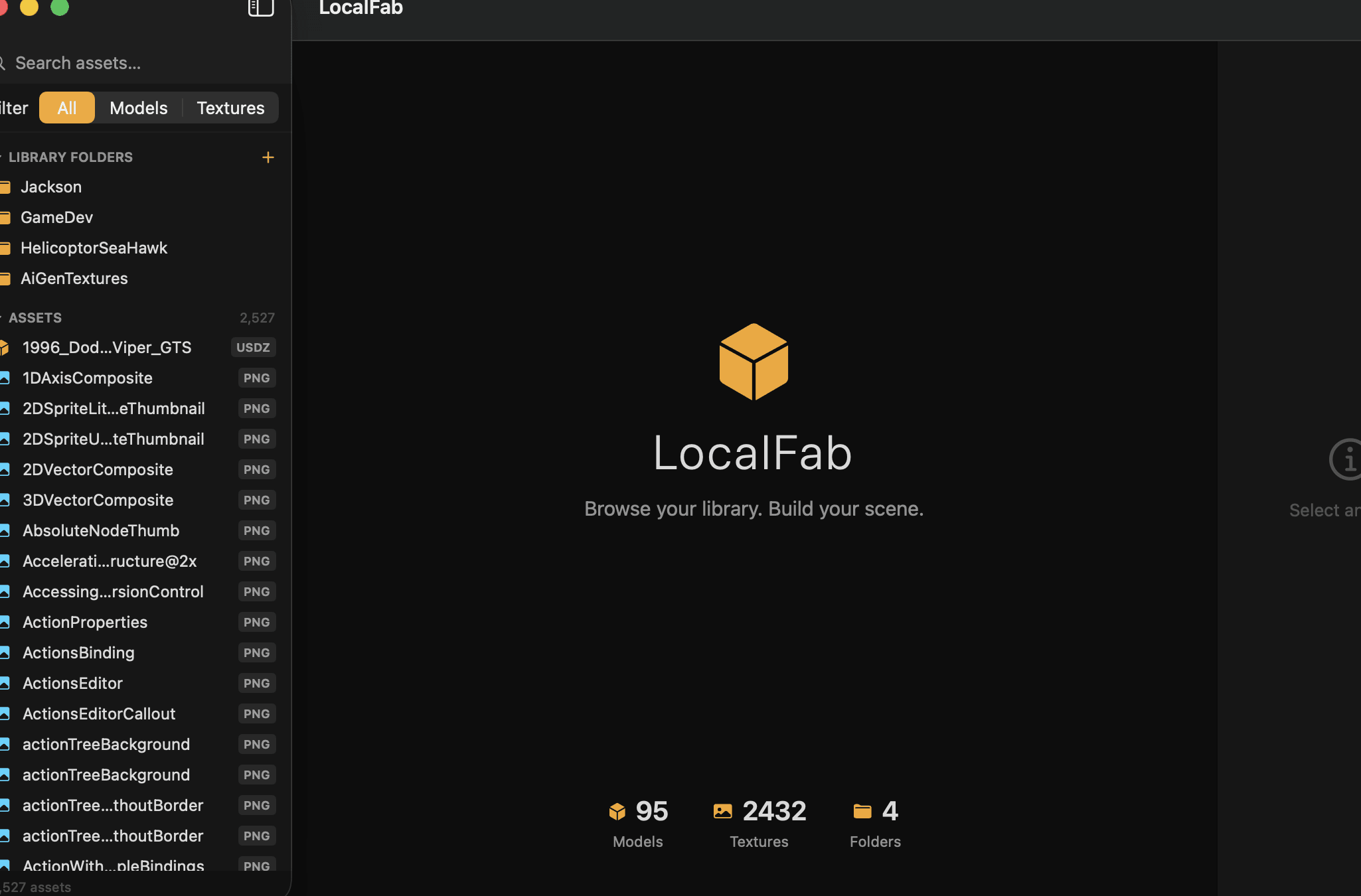
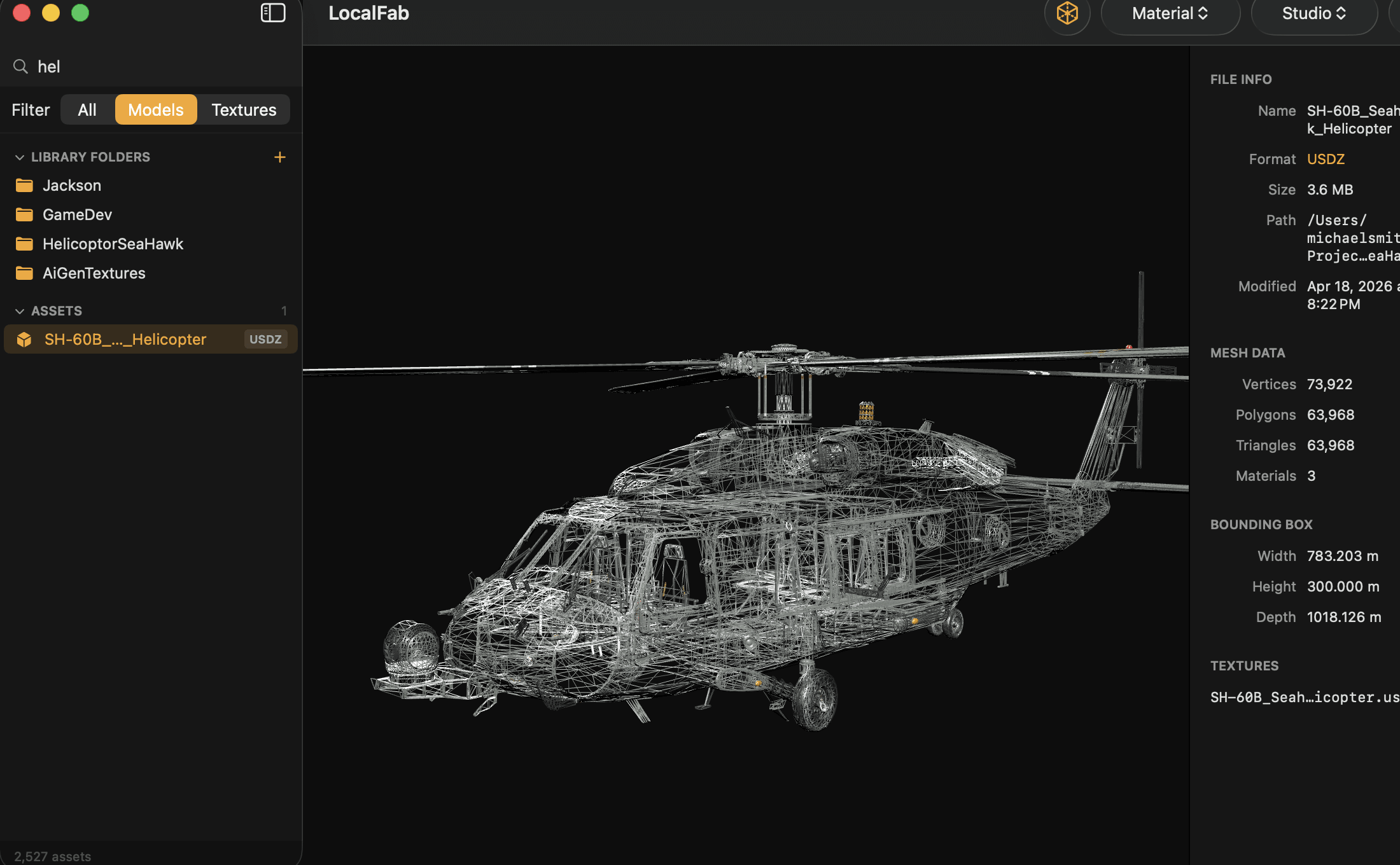
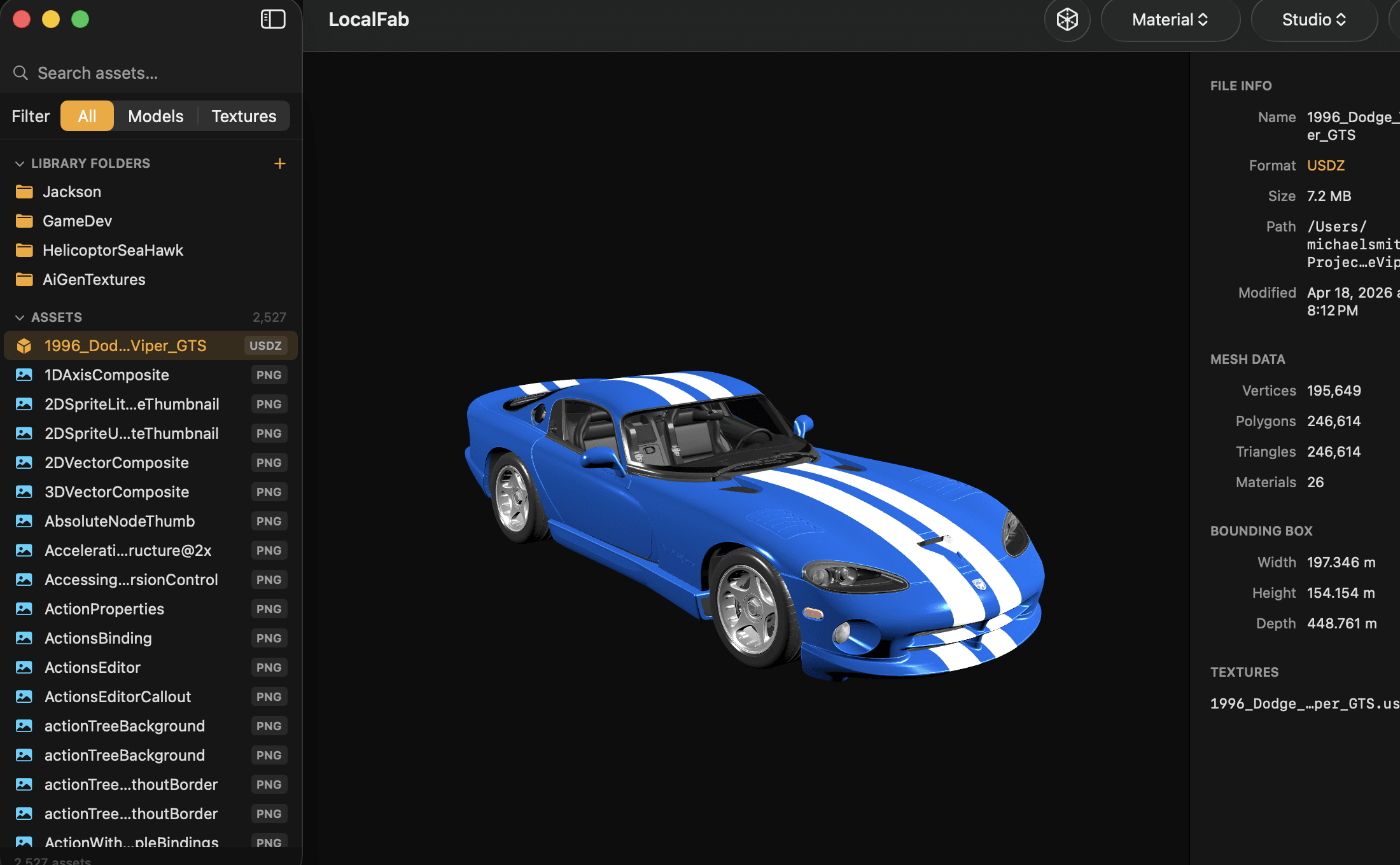
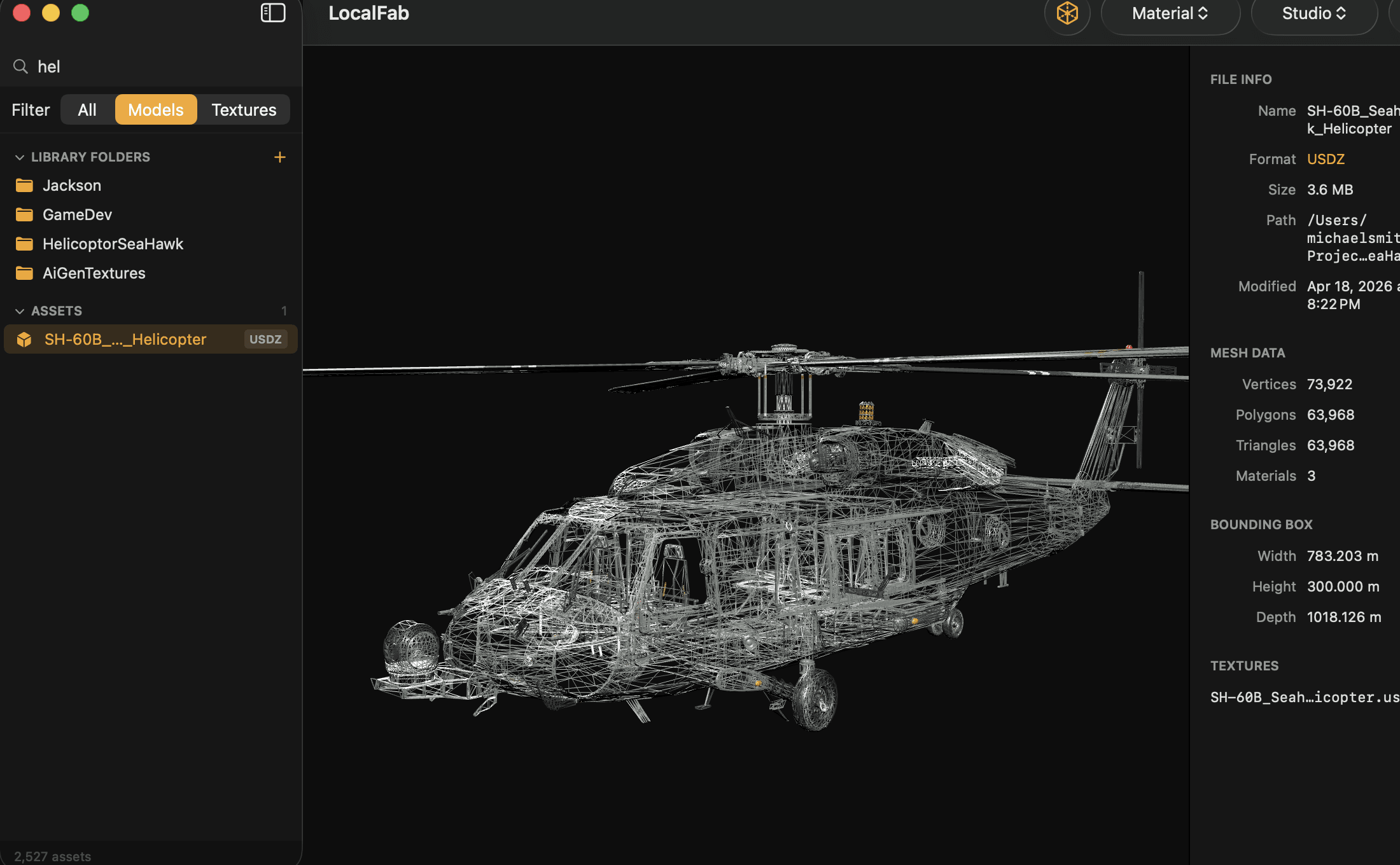
Click an asset to orbit, pan, zoom, switch lighting, view wireframes, and read mesh metadata. Converted previews are cached so the next view is immediate.
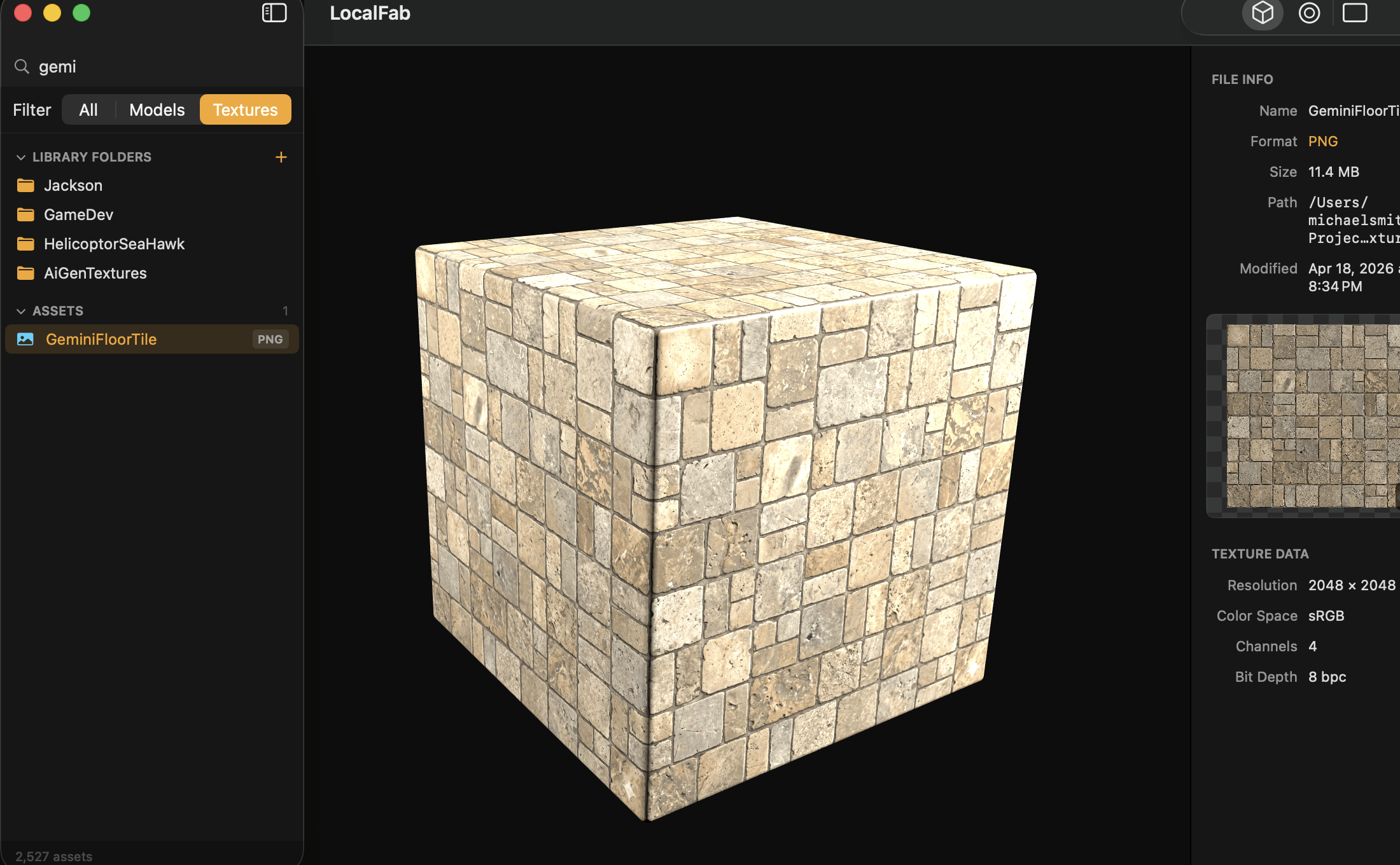
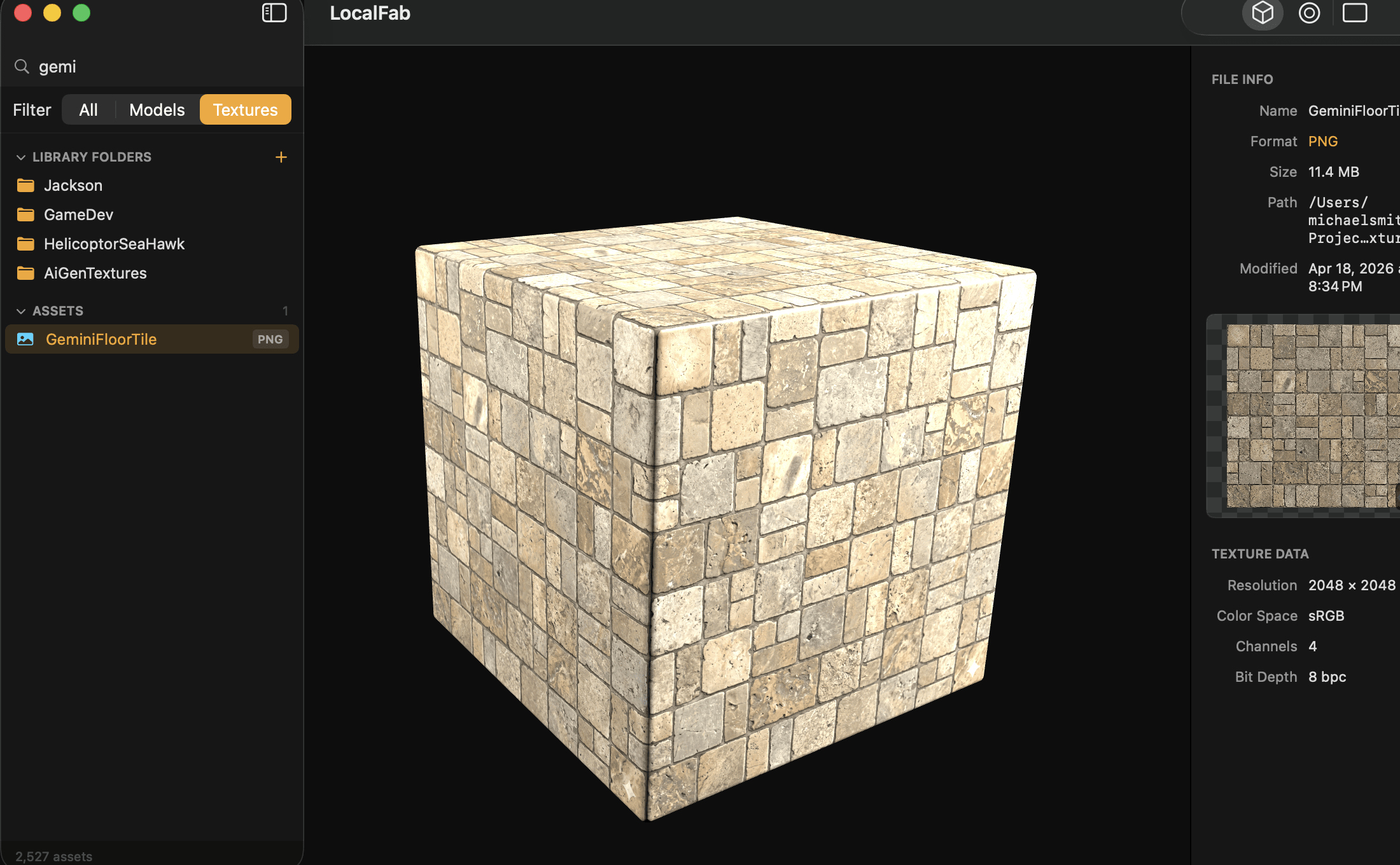
Tag strong assets and collect them by level, client, biome, or project. Preview textures on a cube, sphere, or plane instead of guessing from a flat thumbnail.
Export a structured package with models, referenced textures, repaired paths where possible, and a scene manifest that records what moved and where it came from.
Time back in your day
A single preview delay feels small. A scene full of them is not. Move the slider to estimate the waiting LocalFab can remove from one asset-review session.
Transparent estimate: 45 seconds per traditional open/load check versus one second for a cached LocalFab preview. Actual time varies by hardware, file size, format, and the external tool used.
Everything between search and ship
LocalFab sits before the engine and the DCC—where you discover, compare, inspect, and assemble the assets worth building with.
Search names, tags, and collections while thumbnails turn cryptic filenames into recognizable assets.
Recursive scanning and a persistent SQLite index keep large libraries responsive without sending data to a server.
Orbit, pan, zoom, change lighting, toggle wireframes, and inspect vertices, polygons, materials, and bounds.
Preview materials on a cube, sphere, plane, or flat canvas with resolution, bit depth, and color metadata.
Collect assets around an idea, then export models, linked textures, and a readable manifest as one package.
No account, asset upload, telemetry dependency, or cloud round trip. Your library remains yours and works offline.
Broad format support
Browse mixed model packs, marketplace downloads, scans, and texture libraries from one macOS workspace.
The payoff
Scene export is where organization becomes production speed. LocalFab turns a visual collection into a portable, auditable package without forcing you to rebuild its file relationships by hand.
Simple ownership
No seat math, storage tier, cloud bill, or monthly reminder that your own asset library is being rented back to you.
No payment collected until launch.
Release status
Ten of twelve launch milestones are complete. Join the waitlist for the direct DMG release and the locked early-access price.
Questions, answered
LocalFab is designed around a simple promise: make the assets you already own faster to use without making them less private.
LocalFab is a native macOS 3D asset manager for artists and game developers. It indexes models and textures already on your drives, gives you a fast visual library with real 3D previews, and exports organized scene folders for Unreal Engine, Unity, or Blender.
LocalFab supports OBJ, FBX, GLTF, GLB, STL, DAE, and USDZ models, plus PNG, JPG/JPEG, TGA, EXR, HDR, BMP, and TIFF textures. FBX and GLB/GLTF previews are converted in the background on first view and then cached.
No. LocalFab previews models and textures with Apple’s native graphics frameworks. Open Blender, Unreal Engine, or Unity only when you are ready to build, with a clean exported collection waiting for you.
Never. Your models, textures, thumbnails, tags, collections, and search index stay on your Mac. LocalFab works offline, requires no account, and does not need your private or licensed assets in a cloud service.
Cached model previews are designed to appear in under a second. First-time conversion for some formats can take longer depending on file size and hardware, but the result is cached so the next view is immediate.
Select a collection and click Export. LocalFab gathers its models and referenced textures into a structured folder and creates a scene manifest that records every file and its original location. Source files stay where they are.
No. LocalFab is a one-time purchase: $49 during early access and $59 at launch. Early access includes lifetime updates for version 1, with no recurring subscription.
Ten of twelve launch milestones are complete. The app is in its final DMG packaging stage, with the Mac App Store release planned afterward. Join the waitlist for the launch download and early-access price.
The first build is almost ready
Join the waitlist to lock in the $49 early-access price and hear from us when the signed macOS DMG is ready.